In today’s hyper-connected world, a reliable and fast internet connection isn’t just a luxury; it’s a necessity. With an ever-growing array of smart devices, 4K streaming, and online gaming, your home network is under more pressure than ever before. This is where a NETGEAR WiFi 6 router steps in, revolutionizing your home’s connectivity. As a long-time expert in networking and a dedicated content creator for xzike.com, I’m here to walk you through why upgrading to a NETGEAR WiFi 6 router is one of the smartest decisions you can make for your digital life.
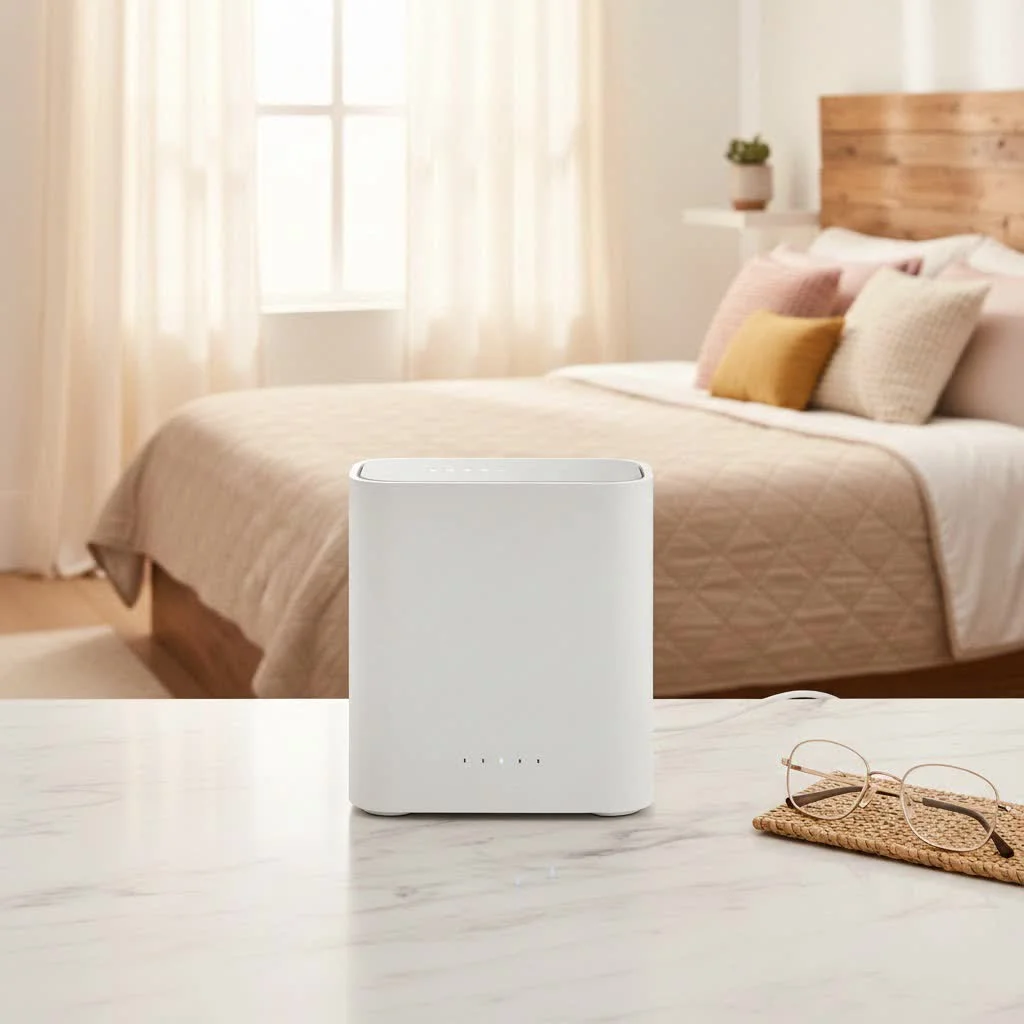
What Makes WiFi 6 a Game-Changer? The Core Technology
WiFi 6, also known as 802.11ax, isn’t just about faster speeds; it’s about making your entire network more efficient, robust, and ready for the future. It’s built to handle the explosion of connected devices we now have in our homes, from smart thermostats to security cameras.
More Devices, No Lag: OFDMA and MU-MIMO
Have you ever noticed your internet slowing down when everyone in the house is online simultaneously? WiFi 6 tackles this head-on with two key technologies: OFDMA (Orthogonal Frequency-Division Multiple Access) and MU-MIMO (Multi-User, Multiple Input, Multiple Output). Think of OFDMA like adding multiple lanes to a busy highway, allowing more data packets to travel simultaneously, even to devices with varying bandwidth needs. MU-MIMO takes this a step further, enabling your router to communicate with multiple devices at once, rather than one by one. This means smoother streaming, lag-free gaming, and more responsive smart home devices, even during peak usage.
Blazing Speeds and Wider Coverage
While efficiency is critical, speed certainly hasn’t been forgotten. WiFi 6 offers theoretical maximum speeds significantly higher than its predecessors, reaching up to 9.6 Gbps. More practically, devices compatible with WiFi 6 can experience a 40% increase in speed over WiFi 5, thanks to an increased number of data streams (up to 12). This translates to quicker downloads, seamless 4K/8K UHD streaming, and a generally snappier online experience throughout your home. Improved signal penetration also means your devices can maintain a strong connection further away from the router.
Smarter Power for Your Devices: Target Wake Time (TWT)
Ever worried about your smart devices draining their batteries quickly while constantly checking for updates? WiFi 6 introduces Target Wake Time (TWT), a clever feature that allows devices to schedule when they wake up to send or receive data. This means your smart home gadgets, phones, and tablets spend more time in a low-power sleep mode, significantly extending their battery life. It’s a win-win for both your network’s efficiency and your device’s longevity.
Ironclad Security with WPA3
|
Our Picks for the Best WiFi Router in 2026
As an Amazon Associate I earn from qualifying purchases.
|
||
| Num | Product | Action |
|---|---|---|
| 1 | RBLHGG-5acD-US LHG 5 ac - 5GHz 802.11ac Wireless Device with 24.5 dBi Dual-Pol Grid Antenna - 716 MHz CPU, 256MB RAM, Gigabit Port, RouterOS L3, PoE, US Version |

|
| 2 | TP-Link AC1200 WiFi Router (Archer A54) - Dual Band Wireless Internet Router, 4 x 10/100 Mbps Fast Ethernet Ports, EasyMesh Compatible, Support Guest WiFi, Access Point Mode, IPv6 & Parental Controls |
|
| 3 | TP-Link Archer BE6500 Dual-Band Wi-Fi 7 Router (Archer BE400) - Dual 2.5 Gbps Ports USB 3.0 - Covers up to 2,400 Sq. ft and 90 Devices - Quad-core CPU- HomeShield, Private IoT, Free Expert Support |
|
| 4 | Amazon eero 6+ mesh wifi router with 1 month free eero Plus (auto-renews) - Coverage up to 1,500 sq. ft., Connect 75+ devices, 1-pack |
|
| 5 | TP-Link AC1200 Gigabit WiFi Router (Archer A6) - Dual Band MU-MIMO Wireless Internet Router, 4 x Antennas, OneMesh and AP Mode, Long Range Coverage |
|
| 6 | Amazon eero 6 mesh wifi router with 1-month free eero Plus (auto-renews) - Supports internet plans up to 900 Mbps, Coverage up to 1,500 sq. ft., Connect 75+ devices, 1-pack |
|
| 7 | TP-Link AXE5400 Tri-Band WiFi 6E Router (Archer AXE75), 2025 PCMag Editors\' Choice, Gigabit Internet for Gaming & Streaming, New 6GHz Band, 160MHz, OneMesh, Quad-Core CPU, VPN & WPA3 Security |
|
| 8 | TP-Link Tri-Band BE9300 WiFi 7 Router (Archer BE550) - 6-Stream, Full 2.5G Ports w/ 6 Internal Antennas, Up to 2,000 Sq Ft, Add Easy-Mesh Device for Extended Coverage, VPN Support, Free Expert Support |
|
| 9 | TP-Link AX1800 WiFi 6 Router (Archer AX21) – Dual Band Wireless Internet, Gigabit, Easy Mesh, Works with Alexa - A Certified for Humans Device, Free Expert Support |
|
| 10 | TP-Link Dual-Band BE3600 Wi-Fi 7 Router Archer BE230 - 4-Stream - 2×2.5G + 3×1G Ports, USB 3.0, 2.0 GHz Quad Core, 4 Antennas - VPN, EasyMesh, HomeShield, MLO, Private IOT - Free Expert Support |
|
In an age where online security is paramount, WiFi 6 steps up its game with WPA3 encryption. This latest security protocol offers enhanced protection for your network, making it significantly harder for unauthorized users to crack your WiFi password and access your data. It provides more robust authentication and increased cryptographic strength, safeguarding your family’s privacy and your sensitive information.
Why Choose a NETGEAR WiFi 6 Router?
NETGEAR has been at the forefront of networking technology for over two decades, consistently delivering innovative and reliable solutions. When it comes to WiFi 6, their offerings stand out for several compelling reasons.
A Legacy of Innovation and Reliability
NETGEAR has built a reputation for durable, high-performance hardware. Their commitment to cutting-edge technology ensures that when you choose a NETGEAR WiFi 6 router, you’re investing in a product designed to perform reliably for years to come. This focus on quality and innovation is evident across their Nighthawk and Orbi lines.
The Nighthawk Advantage: Power and Performance
The NETGEAR Nighthawk series is synonymous with powerful, high-performance routers, and their WiFi 6 lineup is no exception.
- NETGEAR Nighthawk RAX50 (AX5400): This model is often lauded as an excellent balance of performance, features, and value. It’s a great choice for mid-sized homes, offering solid close-range performance and robust security features, making it ideal for streaming and gaming without breaking the bank.
- NETGEAR Nighthawk RAX36 (AX3000): Perfect for homes around 2,000 sq. ft. with up to 25 devices, the RAX36 delivers speeds up to 3 Gbps. It includes features like a built-in VPN and USB 3.0, catering well to demanding households and gamers.
- NETGEAR Nighthawk AX12 (RAX120): For the ultimate in performance, the AX12 is a powerhouse. With support for up to 6 Gbps and a 12-stream architecture, it’s designed to handle even the most demanding network environments with numerous high-bandwidth devices.
- NETGEAR Nighthawk AX1800 (RAX10): An excellent entry-level option that provides a significant upgrade over older WiFi 5 routers. Users praise its ease of setup, good speed, and stable signal, making it a reliable choice for smaller homes.
Seamless Control with the Nighthawk App
Managing your home network has never been easier, thanks to the intuitive NETGEAR Nighthawk app. This mobile application simplifies setup, allows you to monitor your network, set up guest networks, and even manage parental controls—all from the palm of your hand. It brings convenience and robust control, eliminating the need for complex web interfaces for most tasks.
Advanced Protection with NETGEAR Armor
Cybersecurity is a non-negotiable in today’s digital landscape. Many NETGEAR WiFi 6 routers come equipped with NETGEAR Armor, a comprehensive security suite powered by Bitdefender. This built-in protection actively safeguards all your connected devices from a wide range of online threats, including malware, phishing attacks, and ransomware. While often offered as a subscription service after an initial trial, it provides an invaluable layer of defense for your entire network.
Future-Proofing with WiFi 6E: The Next Frontier
For those looking to truly future-proof their network, NETGEAR also offers WiFi 6E routers, such as the Nighthawk RAXE300 and RAXE500. WiFi 6E extends the benefits of WiFi 6 by adding a dedicated 6GHz band, offering even more bandwidth, lower latency, and less interference. These tri-band routers are perfect for incredibly demanding environments and emerging technologies that will leverage this pristine spectrum.
Choosing the Right NETGEAR WiFi 6 Router for Your Home
With a variety of NETGEAR WiFi 6 routers available, finding the perfect fit for your specific needs is crucial.
For the Everyday User: Balancing Cost and Performance
If you live in a smaller to medium-sized home and primarily use your internet for general browsing, casual streaming, and a moderate number of devices, models like the NETGEAR Nighthawk AX1800 (RAX10) or the RAX50 (AX5400) offer an excellent balance. They provide significant speed and capacity upgrades over older standards without an exorbitant price tag.
For Gamers and 4K Streamers: High-Performance Models
For households with multiple online gamers, 4K/8K streamers, or professionals working from home with heavy bandwidth demands, stepping up to a router like the NETGEAR Nighthawk RAX36 (AX3000) or the AX12 (RAX120) will make a noticeable difference. These models boast higher aggregate speeds, more streams, and robust processors to ensure smooth, uninterrupted performance even under heavy load.
For Large Homes & Smart Ecosystems: Mesh Solutions
For expansive homes or properties with numerous smart devices, a single router might not offer sufficient coverage. While Nighthawk routers are powerful, consider NETGEAR’s Orbi WiFi 6 Mesh Systems if you need whole-home seamless coverage. These systems use multiple units to create a unified network, eliminating dead zones and ensuring consistent speeds across every corner of your property.
Considering WiFi 6E: The Next Frontier
If you’re an early adopter, own devices that support the 6GHz band, or want the absolute best performance for the next decade, a NETGEAR WiFi 6E router is a worthwhile investment. These routers provide an additional, uncongested super-highway for your latest devices, ensuring unparalleled speed and responsiveness.
Setting Up Your NETGEAR WiFi 6 Router: A Breeze
One of the great advantages of modern NETGEAR routers is their user-friendly setup process. Typically, you can get your new NETGEAR WiFi 6 router up and running in minutes using the intuitive Nighthawk app on your smartphone. The app guides you through each step, from connecting cables to configuring your WiFi settings, making it accessible even for those who aren’t tech-savvy. Many users praise the ease of setup, noting that the app handles most of the work.
Expert Insights: Making the Most of Your WiFi 6 Investment
“Upgrading to a NETGEAR WiFi 6 router isn’t just about getting faster internet; it’s about optimizing your entire home network for the digital demands of today and tomorrow,” says David Chen, Chief Networking Architect at Xzike.com. “The improved efficiency, increased capacity, and enhanced security features mean your network can truly keep pace with your connected lifestyle. Don’t just settle for internet; master your connectivity.”
Frequently Asked Questions (FAQ)
Q1: What is the main difference between WiFi 5 and NETGEAR WiFi 6 routers?
A1: The primary difference is WiFi 6’s enhanced efficiency and capacity. While WiFi 5 brought gigabit speeds, WiFi 6 (802.11ax) significantly boosts capacity by up to four times, allowing more devices to connect simultaneously without compromising speed or reliability. It also introduces features like OFDMA and TWT for better performance and battery life.
Q2: Are NETGEAR WiFi 6 routers backward compatible with my older devices?
A2: Yes, absolutely! NETGEAR WiFi 6 routers are 100% backward compatible with all your existing WiFi devices, whether they support WiFi 5, WiFi 4, or older standards. You don’t need to replace all your gadgets; they will seamlessly connect and benefit from the overall network improvements.
Q3: Does a NETGEAR WiFi 6 router improve my internet speed from my ISP?
A3: A WiFi 6 router won’t magically increase the internet speed coming into your home from your Internet Service Provider (ISP). However, it will ensure that your devices get the maximum possible speed that your ISP provides, utilizing the bandwidth much more efficiently and effectively across all your connected devices within your home network.
Q4: What is NETGEAR Armor and is it included with all routers?
A4: NETGEAR Armor is a cybersecurity solution powered by Bitdefender that protects all devices connected to your router from online threats. While many NETGEAR WiFi 6 routers come with a free trial of NETGEAR Armor, it typically requires a paid subscription after the trial period to continue its comprehensive protection.
Q5: Is it worth upgrading to a NETGEAR WiFi 6 router if I only have a few devices?
A5: Even with a few devices, a NETGEAR WiFi 6 router offers tangible benefits. You’ll experience more stable connections, better range, and significantly improved future-proofing as you inevitably add more smart devices or upgrade your existing ones. The foundational improvements in efficiency and security make it a worthwhile upgrade for any modern home.
Elevate Your Home Network with NETGEAR WiFi 6
The world of home networking is constantly evolving, and NETGEAR WiFi 6 routers represent a monumental leap forward. They offer not just raw speed, but a sophisticated approach to network management, ensuring every device in your home operates at its peak performance. From the multi-device marvel of OFDMA to the robust security of WPA3, a NETGEAR WiFi 6 router is an investment in a faster, more reliable, and more secure digital future. Stop settling for slow, congested Wi-Fi and unlock the true potential of your home network today. Make the switch to NETGEAR WiFi 6 and experience the difference for yourself!
Get our weekly buyer guide
Practical specs, not advice. Unsubscribe anytime.
